
Rain-Soaked Cyber Samurai
Rain-soaked cybernetic ronin with glowing cyan optics standing motionless in a misty bamboo grove.
Script 4–30s MAGI-2 Text-to-Video clips with sequential shot cuts, lip-synced dialogue, contact foley, and transparent 1080p API JSON—100% free in your browser.
Pre-configured for MAGI-2 Text-to-Video: combine multi-shot cuts, lip-synced speech, foley layers, and live 1080p API cost estimates locally.
100% browser-side studio — zero login and zero prompt uploads. Copy your formatted MAGI-2 prompt or API JSON into Higgsfield, Kie.ai, SeeAPI, or Sand.ai to render live 1080p video.
Preview real Text-to-Video prompt patterns with timed shot cuts and native sound cues—click any clip to inspect or load into the studio.
Rain-soaked cybernetic ronin with glowing cyan optics standing motionless in a misty bamboo grove.
Sleek metallic hypercar speeding along a luminous skyway beneath Saturn's golden orbital rings.
Lone rider galloping down a dusty desert canyon track as sunset breaks over sandstone mesas.
Golden-domed celestial citadel rising above sunlit volumetric clouds beneath a glowing ring beam.
MAGI-2 CAPABILITIES
Turn pure text scripts into timed 1080p 25 fps MAGI-2 production specs with layered native sound design.
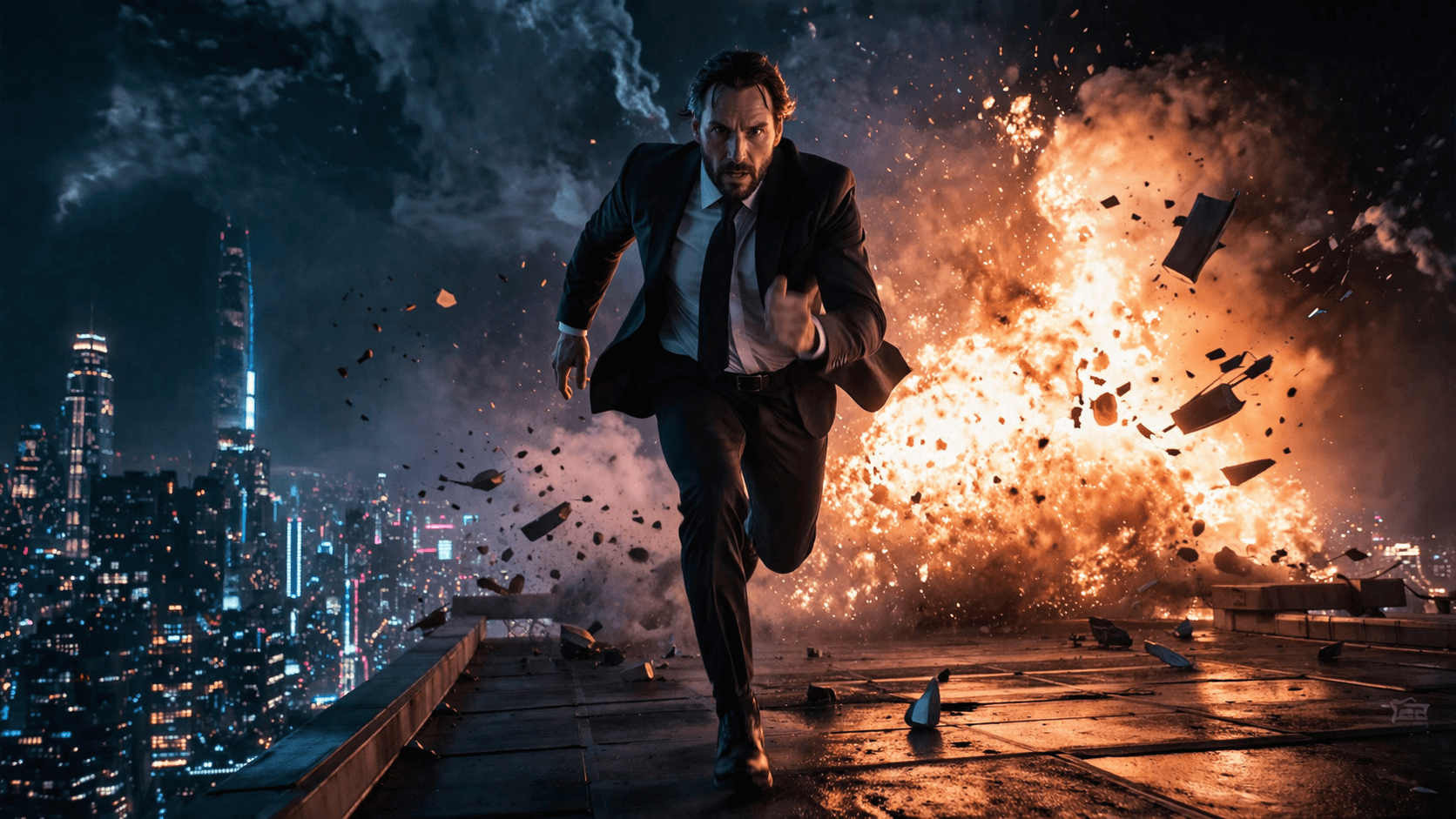
Direct sequential shot cuts across 4 to 30 seconds in one MAGI-2 Text-to-Video pass, preserving lighting, weather physics, and acoustic continuity from opening beat to final frame.
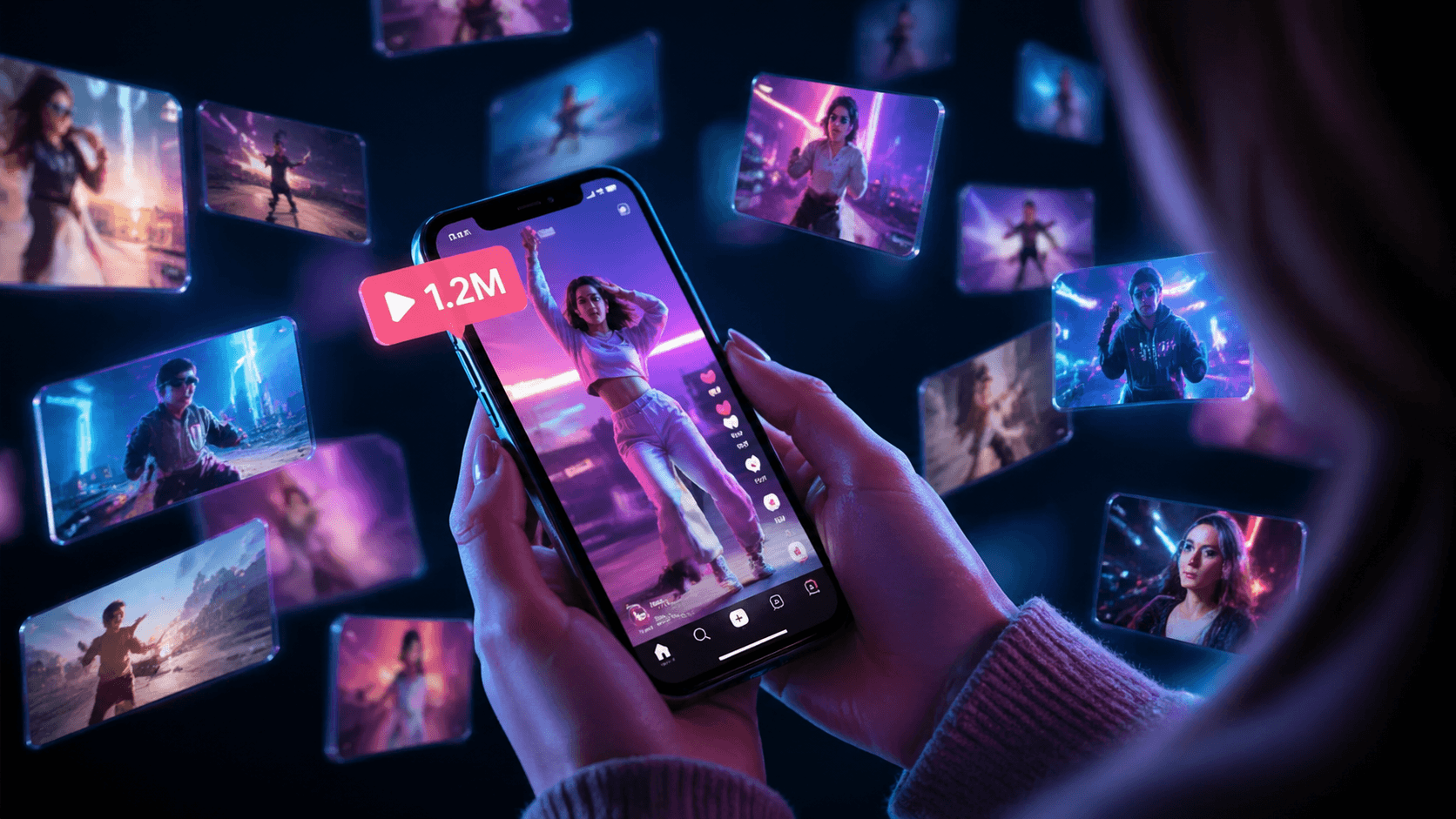
Write punchy 9:16 vertical shorts or 16:9 narrative spots with synchronized spoken hooks and foley—and verify exact per-second render budgets before sending a single API job.
Go from raw concept to a timed, audio-synced MAGI-2 Text-to-Video production payload in seconds.
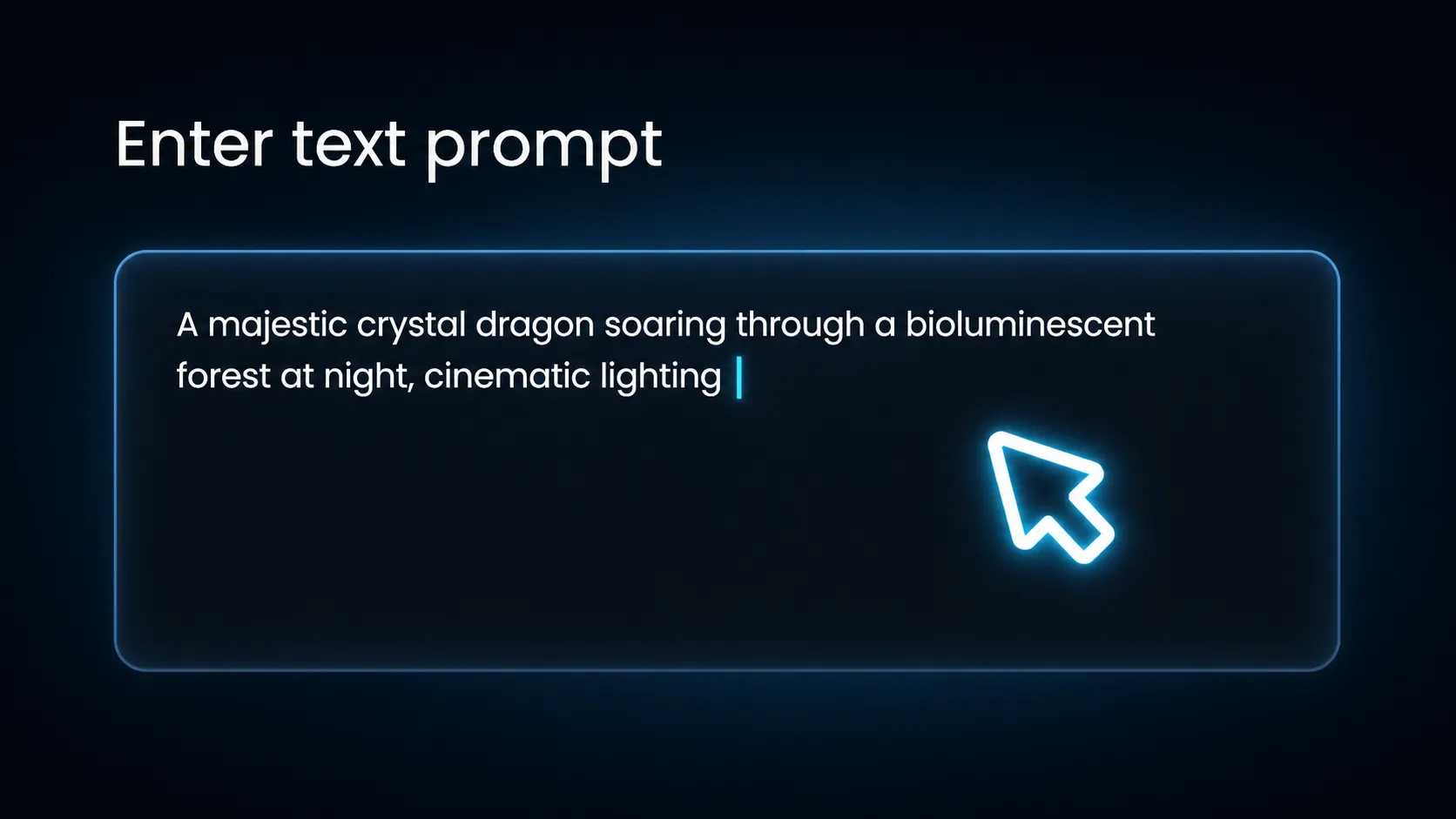
Outline your opening beat, camera lens, subject motion, and environment lighting—or click one of the Text-to-Video examples above to start fast.
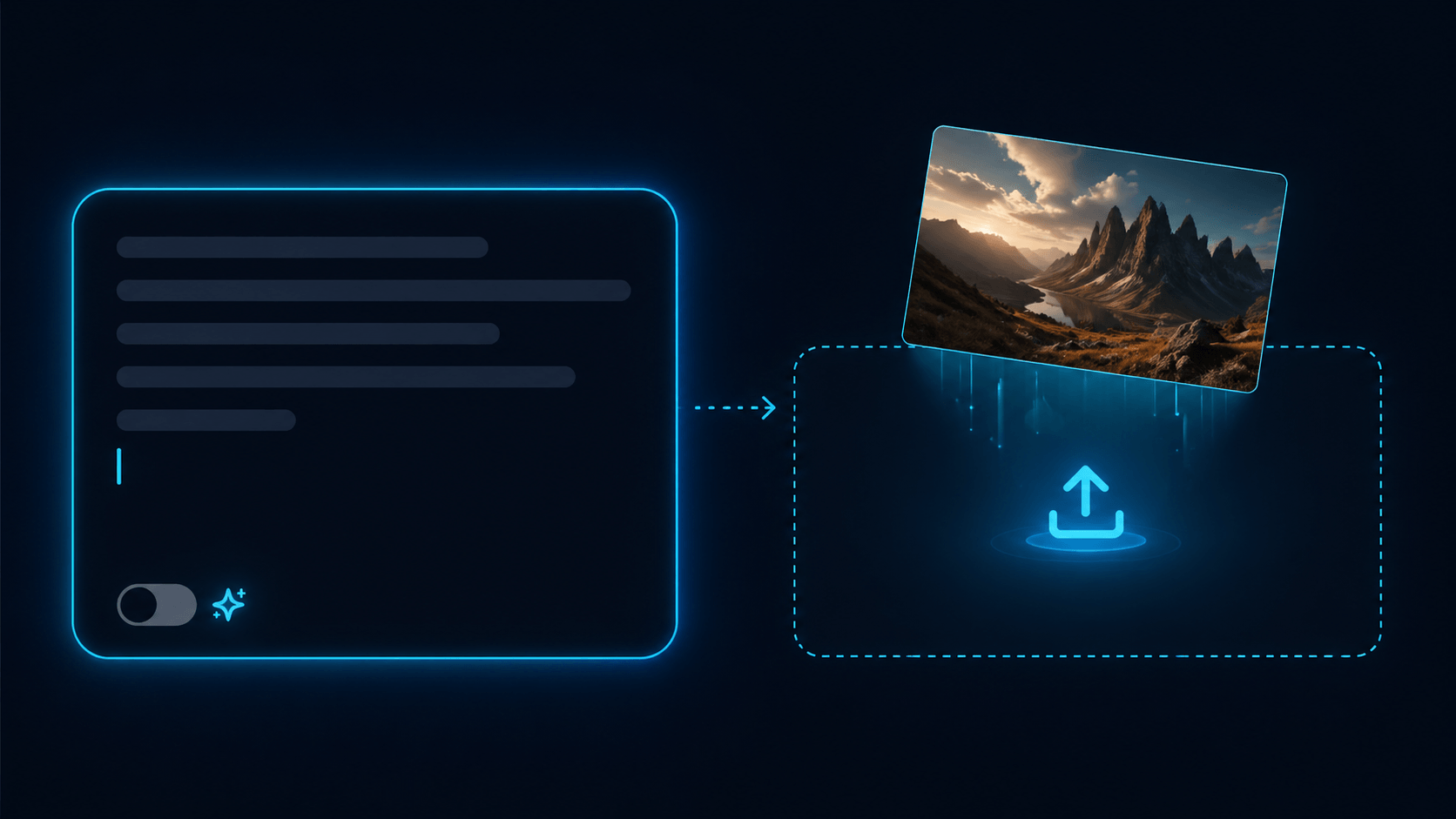
Insert sequential shot cuts (+ Shot Cut), quoted spoken dialogue (+ Lip-Sync), and explicit foley/ambience cues (+ Foley & SFX) for 4–30s continuity.
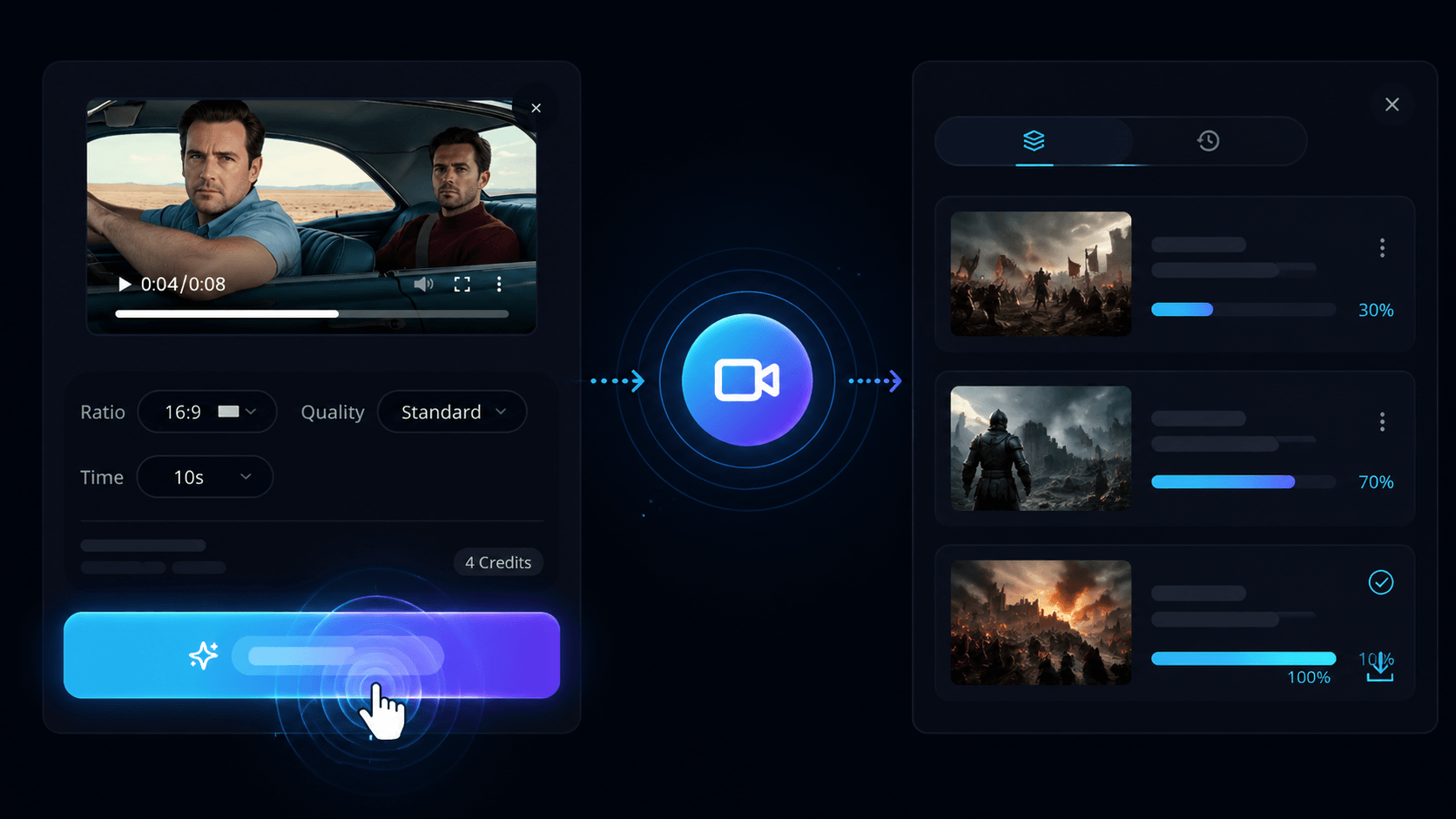
Pick your ratio (16:9, 21:9, 9:16, etc.), verify your exact per-second render cost (~$0.08/s), and copy your clean prompt or API JSON.
Unlike silent video generators that rely on vague aesthetic tags, MAGI-2 Text-to-Video responds best to structured directorial cues. Because Sand.ai's 480B Single-Stream Latent MoE architecture generates visual motion and synchronized audio jointly inside one 4–30 second pass, specifying shot timing, lens movement, and sound layers together yields dramatic improvements in continuity.
Shot 1 (0s–6s) and Shot 2 (6s–12s) so MAGI-2 transitions cleanly instead of drifting mid-clip.35mm, 50mm, anamorphic) with one deliberate motion (slow dolly push-in, low-angle gimbal track, sweeping aerial orbit).Start with Text-to-Video whenever you are exploring concepts from scratch. If you already have an approved product packshot or opening still frame, switch to our MAGI-2 Image-to-Video Studio. When a campaign requires locking recurring characters, voices, or camera pacing across multiple scenes, use the MAGI-2 Omni-Reference Planner to budget up to 20 multimodal references, or check full batch render costs on the MAGI-2 Pricing & Calculator page.
Jump straight into dedicated MAGI-2 prompt studios and transparent API pricing benchmarks.
Common questions on scripting 4–30s MAGI-2 Text-to-Video clips, lip-synced dialogue, and 1080p API costs.
MAGI-2 Text-to-Video generates continuous 4 to 30 second clips at 1080p resolution and 25 frames per second (100 to 750 frames) across six aspect ratios: 16:9, 21:9, 4:3, 1:1, 3:4, and 9:16.
Yes. MAGI-2 synthesizes lip-synced dialogue, contact foley, ambient room tone, and background score natively in the same single-stream pass as the video frames—or you can toggle Native Audio off for silent passes.
Place exact spoken lines inside double quotes, keep speech paced near 2.5 to 3 words per second, specify voice tone (warm close-mic, calm whisper, energetic presenter), and avoid overlapping two speakers in the same 4-second beat.
Yes. Formatting multi-shot scripts, inserting dialogue and foley cues, checking frame counts, and downloading MAGI-2 API JSON runs 100% free in your browser with zero login and zero server uploads.
Published November 2026 benchmarks place direct MAGI-2 API rendering near $0.08 per second (~$0.80 for a 10s clip, ~$2.40 for 30s), while Kie.ai averages ~17.6 credits/s and Higgsfield web tiers run ~25 credits per 10s clip.
After copying your prompt or downloading JSON here, paste it directly into a hosted MAGI-2 platform such as Higgsfield, Kie.ai, SeeAPI, or Pollo AI, or run research inference with open MAGI-2-preview weights on Hugging Face.
Build 4–30s multi-shot timelines, synchronize native audio cues, plan up to 20 omni-references, and estimate 1080p API costs free in your browser.
Community Notes & Prompt Tips
Share a MAGI-2 timeline setup, native audio cue pattern, or question for other creators.
No notes yet. Post the first MAGI-2 prompt setup or workflow tip above.