
Podcast Cat & Corgi Duo
Tabby cat and bespectacled corgi wearing studio headphones delivering lip-synced podcast banter.
Plan up to 20 multimodal MAGI-2 references (10 images, 5 videos, 5 audio clips) to lock character identity, voice timbre, and camera motion across 4–30s 1080p shots—free in your browser.
Pre-loaded in Omni-Reference mode with the 20-asset slot planner expanded—track image (10), video (5), and audio (5) limits locally.
100% browser-side studio — zero login and zero prompt uploads. Copy your formatted MAGI-2 prompt or API JSON into Higgsfield, Kie.ai, SeeAPI, or Sand.ai to render live 1080p video.
See how @img, @vid, and @aud reference tags combine cleanly inside multi-shot MAGI-2 prompts—click any clip to inspect and load.
Tabby cat and bespectacled corgi wearing studio headphones delivering lip-synced podcast banter.
Rain-soaked cybernetic ronin with glowing cyan optics standing motionless in a misty bamboo grove.
Apron-clad tabby cat sweeping a sunlit modern living room with lifelike fur and fabric physics.
Fiery sci-fi clash and atmospheric particle bursts framed in high-contrast widescreen action.
MAGI-2 CAPABILITIES
Map images, motion videos, and audio references into one conflict-free MAGI-2 production blueprint.

Track every modality cap automatically—up to 10 images, 5 motion videos, and 5 voice or ambience audio files—and export a clean structured JSON manifest ready for MAGI-2 APIs.
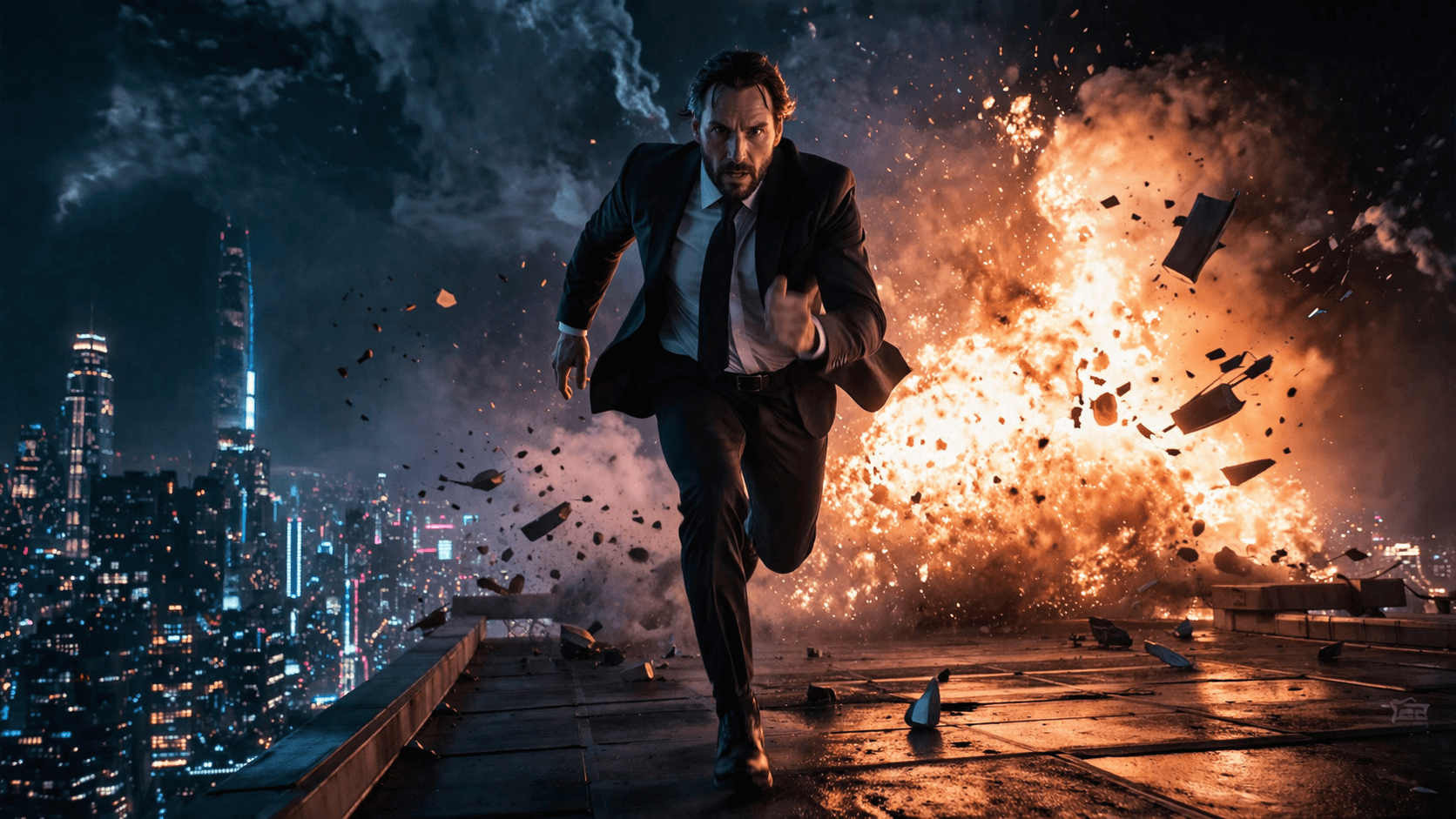
Maintain identical characters, costumes, vocal tone, and art direction across sequential multi-shot cuts instead of stitching disconnected 5-second clips together in post.
Structure complex multimodal MAGI-2 prompts cleanly before spending a single API credit.
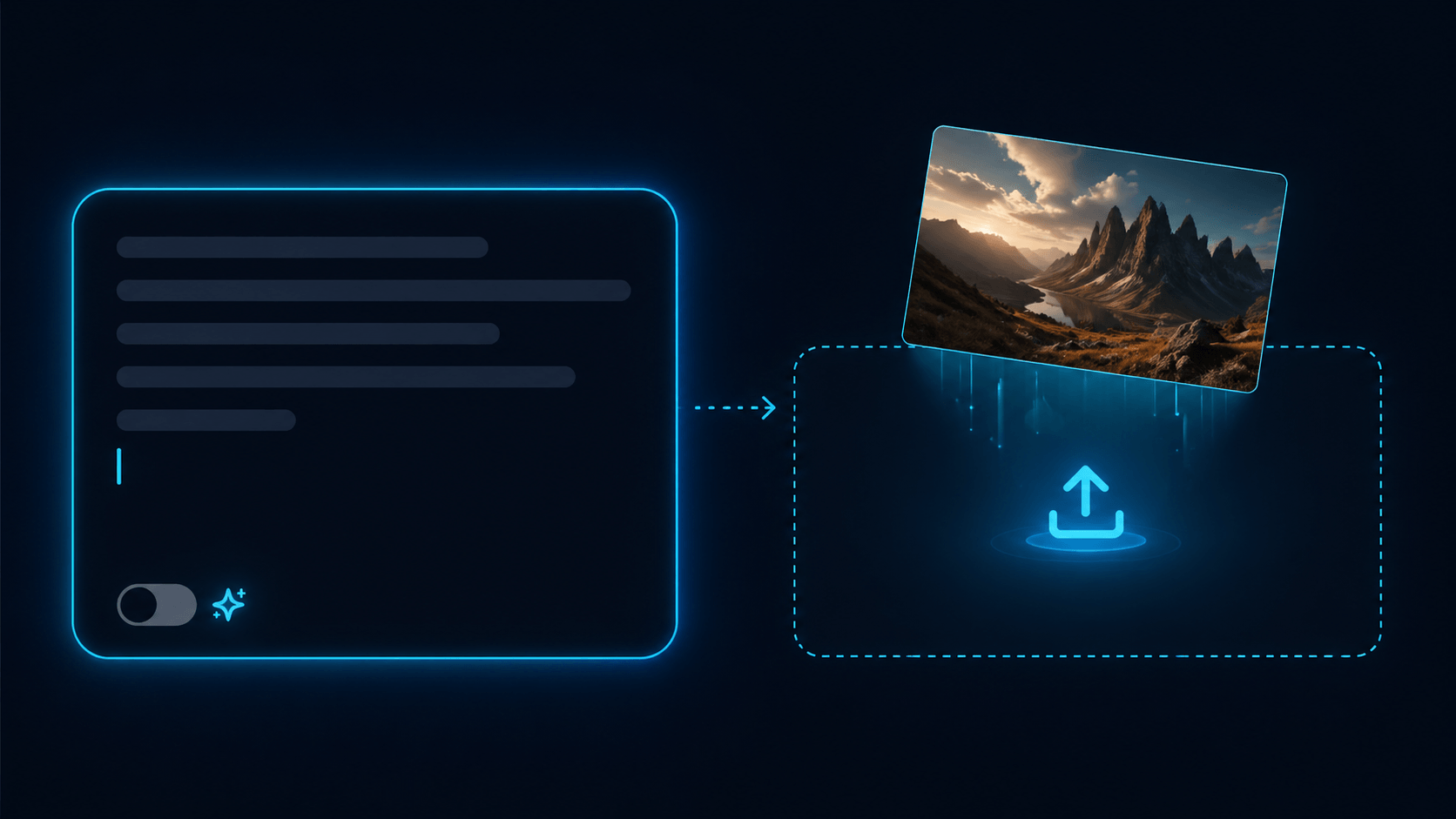
Use the pre-opened Omni-Reference drawer to declare up to 10 images, 5 videos, and 5 audio files—each with a crisp single-role label.
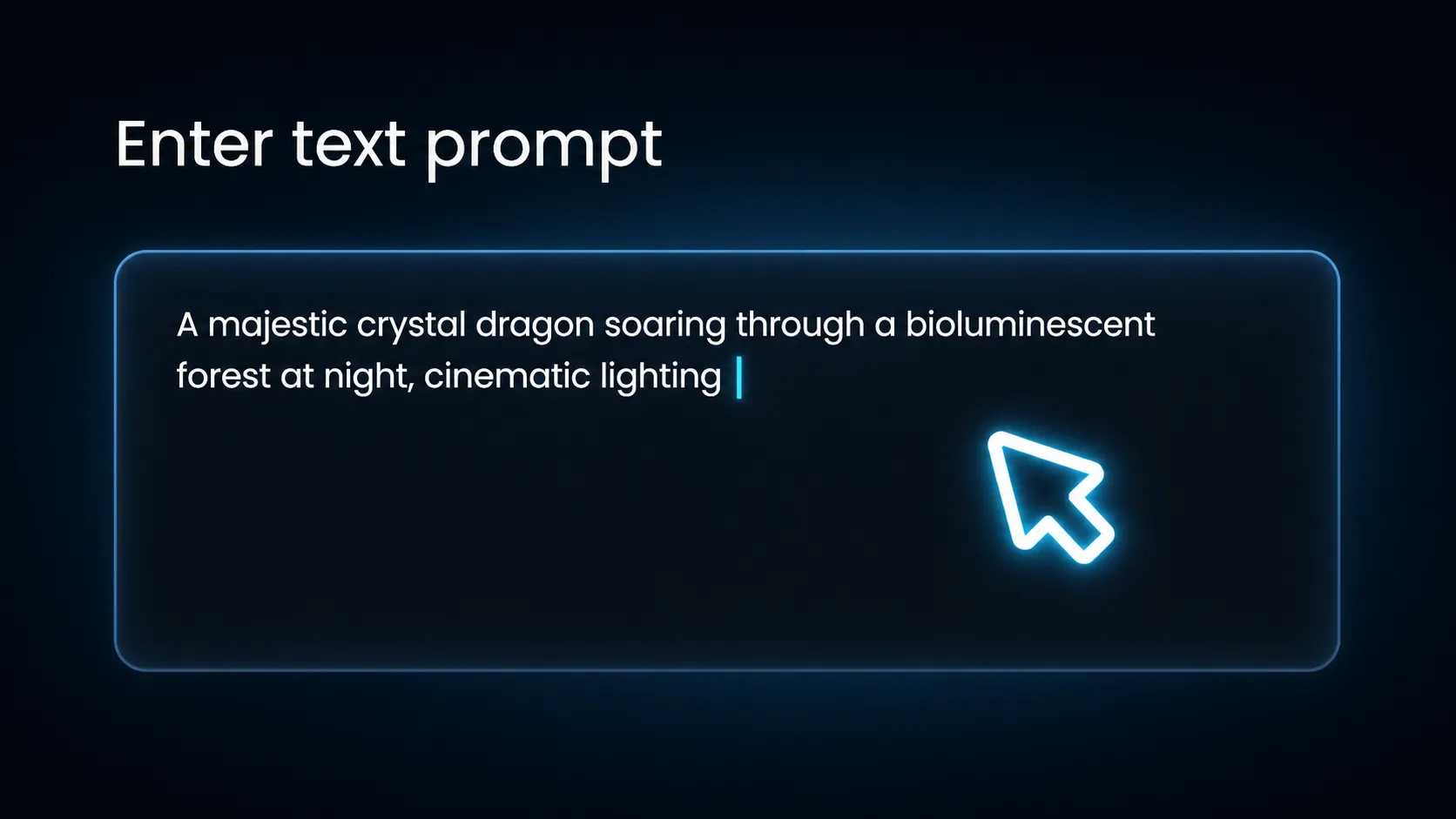
Reference your @img, @vid, and @aud tags explicitly inside sequential Shot 1–3 beats so MAGI-2 binds identity, motion, and voice cleanly.
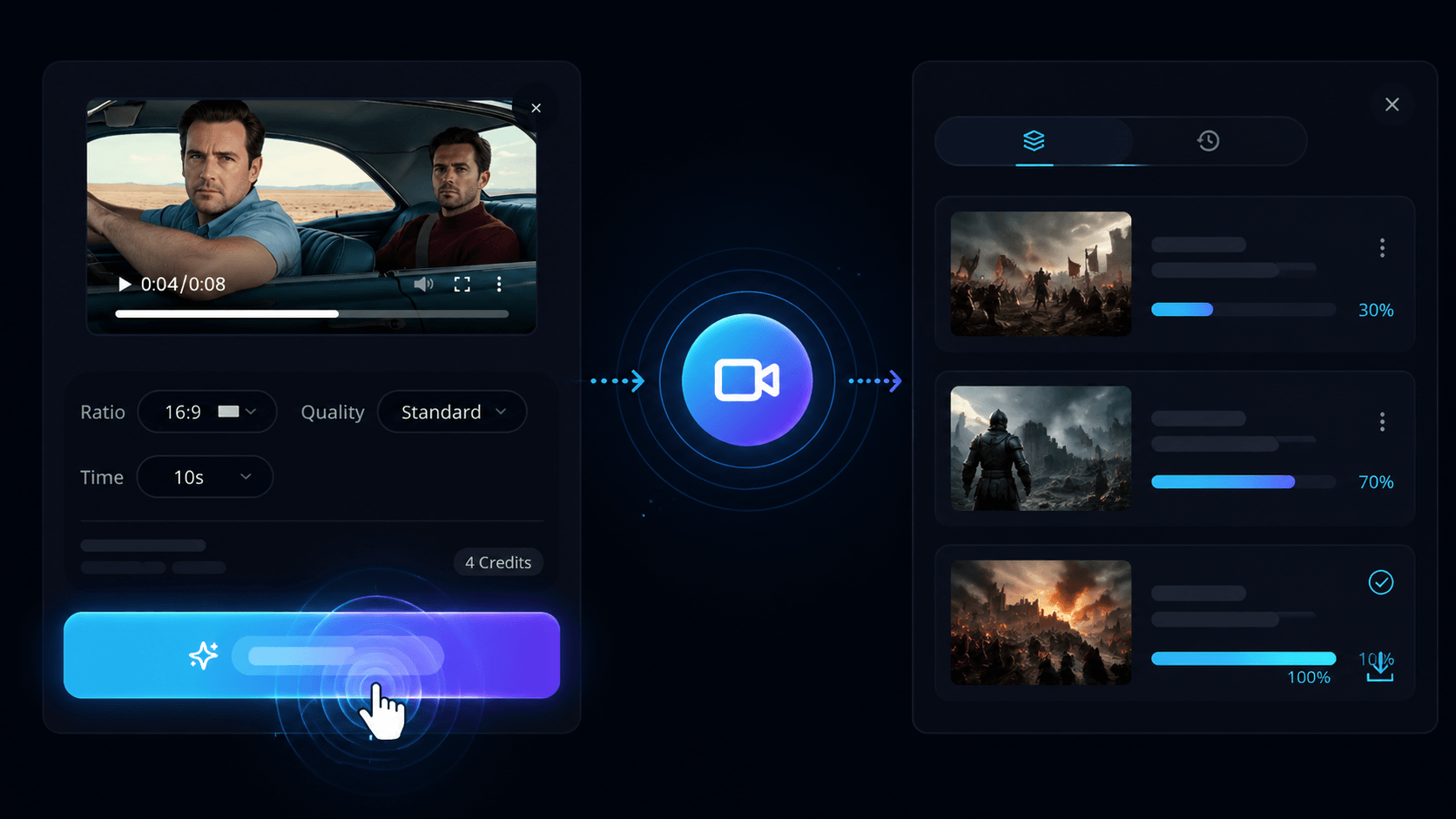
Set duration (up to 30s / 750 frames), inspect your live API budget, and copy or download structured JSON for Higgsfield, Kie.ai, or SeeAPI.
One of MAGI-2's defining advantages over legacy single-frame models is unified multimodal conditioning. Within a single 4–30 second render pass, Sand.ai's 480B Single-Stream Latent MoE architecture can ingest up to 20 total reference assets, divided cleanly across three modality caps:
@img1–@img10): Lock character faces, wardrobe details, brand products, architectural sets, and color-grade palettes across multiple camera cuts.@vid1–@vid5): Transfer camera trajectory pacing, choreography cadence, or lighting transition dynamics without rewriting complex physics by hand.@aud1–@aud5): Guide vocal timbre for lip-synced dialogue, anchor brand sound logos, or establish specific acoustic ambience beds.Having 20 slots does not mean every clip needs all 20 filled. Production teams get the cleanest identity retention by assigning one unambiguous responsibility per slot—for example, @img1 for lead character face, @img2 for costume and props, @img3 for environment lighting, @vid1 for handheld camera rhythm, and @aud1 for speaker vocal tone—and referencing those exact tags inside Shot 1, Shot 2, and Shot 3.
Starting from pure imagination without reference assets? Use our MAGI-2 Text-to-Video Studio. Animating a single hero product still between start and end frames? Switch to MAGI-2 Image-to-Video. Planning a full multi-scene commercial campaign? Estimate exact 1080p render budgets on the MAGI-2 Pricing & Calculator page.
Jump straight into dedicated MAGI-2 prompt studios and transparent API pricing benchmarks.
Everything you need to know about MAGI-2's 20-asset cap (10 images, 5 videos, 5 audio) and character consistency.
Each MAGI-2 Omni-Reference request accepts up to 20 multimodal files total, capped at a maximum of 10 images, 5 videos, and 5 audio files. Our open drawer tracks all four counters live as you add slots.
Yes. You can tag an image reference (@img1) to preserve a character's appearance alongside an audio reference (@aud1) to guide their vocal timbre during lip-synced 1080p dialogue shots.
Video references (@vid1–@vid5) let you condition camera movement pacing, motion choreography, or scene transition rhythm while generating new characters, environments, and native sound in 1080p 25 fps.
No. Adding up to 20 omni-reference metadata tags and exporting your structured MAGI-2 API JSON runs completely locally in your browser; actual reference media files are only uploaded to your chosen render host (such as Higgsfield, Kie.ai, or SeeAPI).
Give each slot a distinct role (character face, wardrobe, location palette, camera curve, voice timbre) and avoid uploading two conflicting lighting styles or two different character outfits for the same subject.
Because MAGI-2 supports continuous clips up to 30 seconds (750 frames at 25 fps), a single 24–30s Omni-Reference narrative pass costs roughly $1.92–$2.40 on direct ~$0.08/s APIs.
Build 4–30s multi-shot timelines, synchronize native audio cues, plan up to 20 omni-references, and estimate 1080p API costs free in your browser.
Community Notes & Prompt Tips
Share a MAGI-2 timeline setup, native audio cue pattern, or question for other creators.
No notes yet. Post the first MAGI-2 prompt setup or workflow tip above.