
Luxury Perfume Macro Spot
Crystal amber perfume bottle beside blooming pink peonies on veined marble with rising mist.
Turn still photos and product renders into smooth 4–30s 1080p MAGI-2 clips using Start/End keyframe planning, motion scripting, and native foley cues—free in your browser.
Pre-loaded in Image-to-Video mode: specify camera trajectories, start/end keyframe roles (@img1/@img2), and synchronized macro foley locally.
100% browser-side studio — zero login and zero prompt uploads. Copy your formatted MAGI-2 prompt or API JSON into Higgsfield, Kie.ai, SeeAPI, or Sand.ai to render live 1080p video.
Inspect proven Start/End Frame and macro product animation blueprints—click any card to preview full-screen and load straight into Image-to-Video mode.
Crystal amber perfume bottle beside blooming pink peonies on veined marble with rising mist.
Ornate gold-framed museum portrait subtly coming to life under warm gallery spotlights.
High-speed commercial macro of glossy red strawberries hovering with glistening water droplets.
Centered studio packshot of a textured Valencia orange rotating smoothly in warm amber light.
MAGI-2 CAPABILITIES
Direct clean camera motion, start-to-end keyframe easing, and synchronized studio foley around your existing still frames.
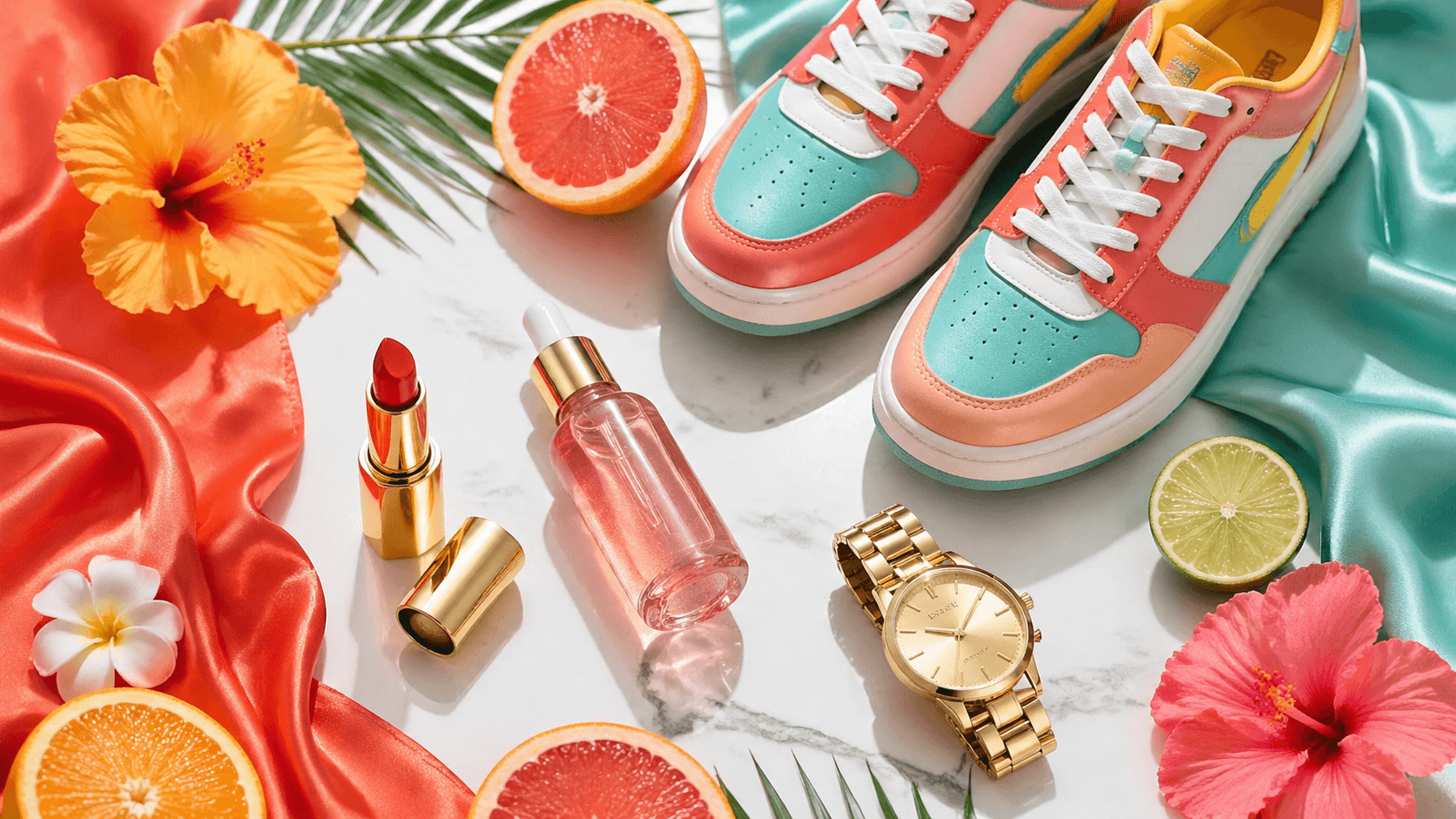
Lock brand geometry, label typography, and lighting continuity by pairing Start and End keyframes (@img1 and @img2) with clean macro camera moves and subtle commercial SFX.
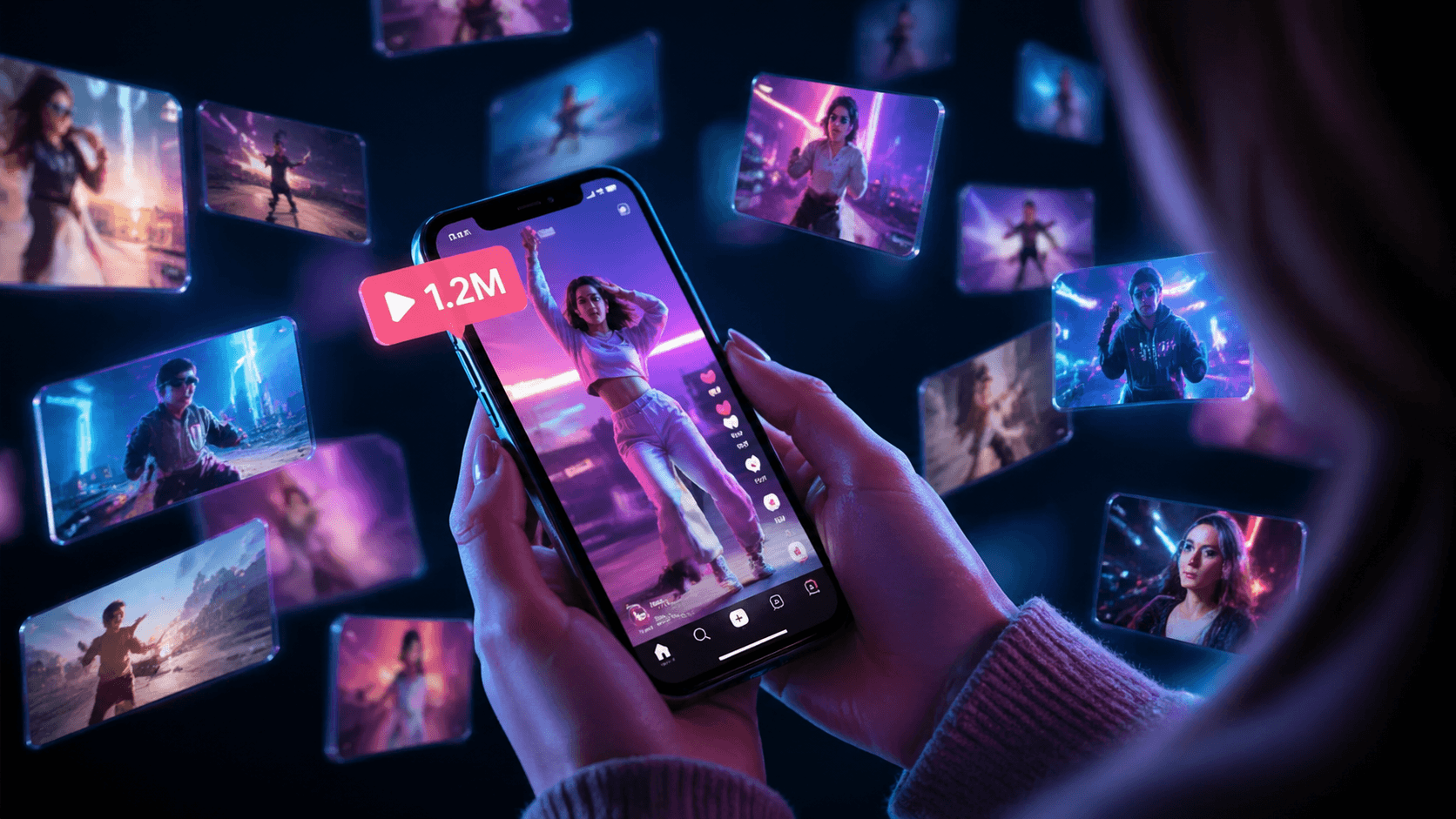
Bring portrait photography, classical artwork, or vertical 9:16 lookbooks to life with subtle micro-expressions, natural hair movement, and synchronized atmospheric room tone.
Animate hero product stills and editorial portraits without texture warping or guesswork.
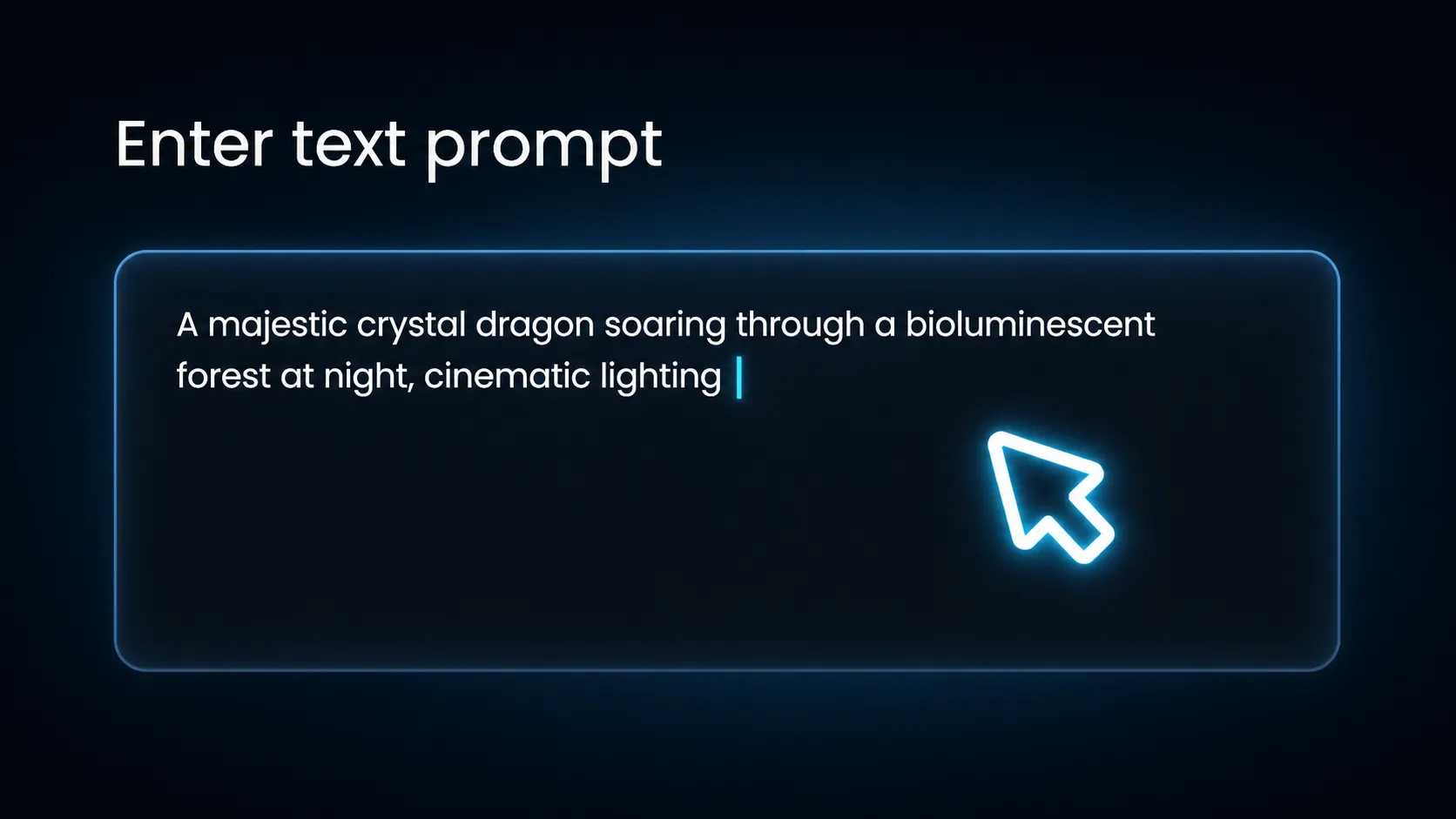
Start in Image-to-Video mode and describe only the motion delta—camera push, fabric sway, light sweep, or subtle facial micro-expression.
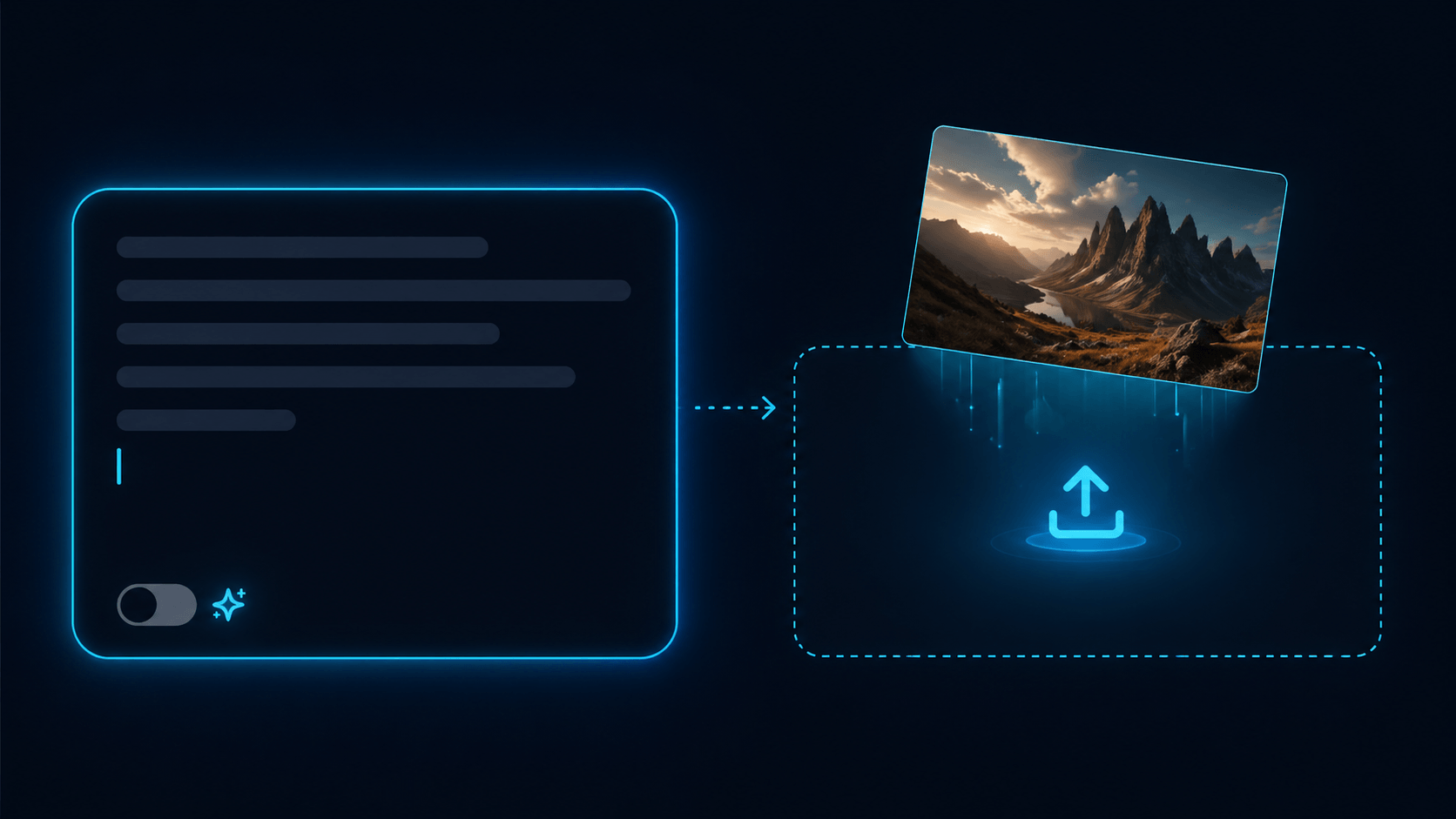
Open the Omni-Reference drawer to map your Start keyframe (@img1), optional End keyframe (@img2), and matching studio foley or voice cues.
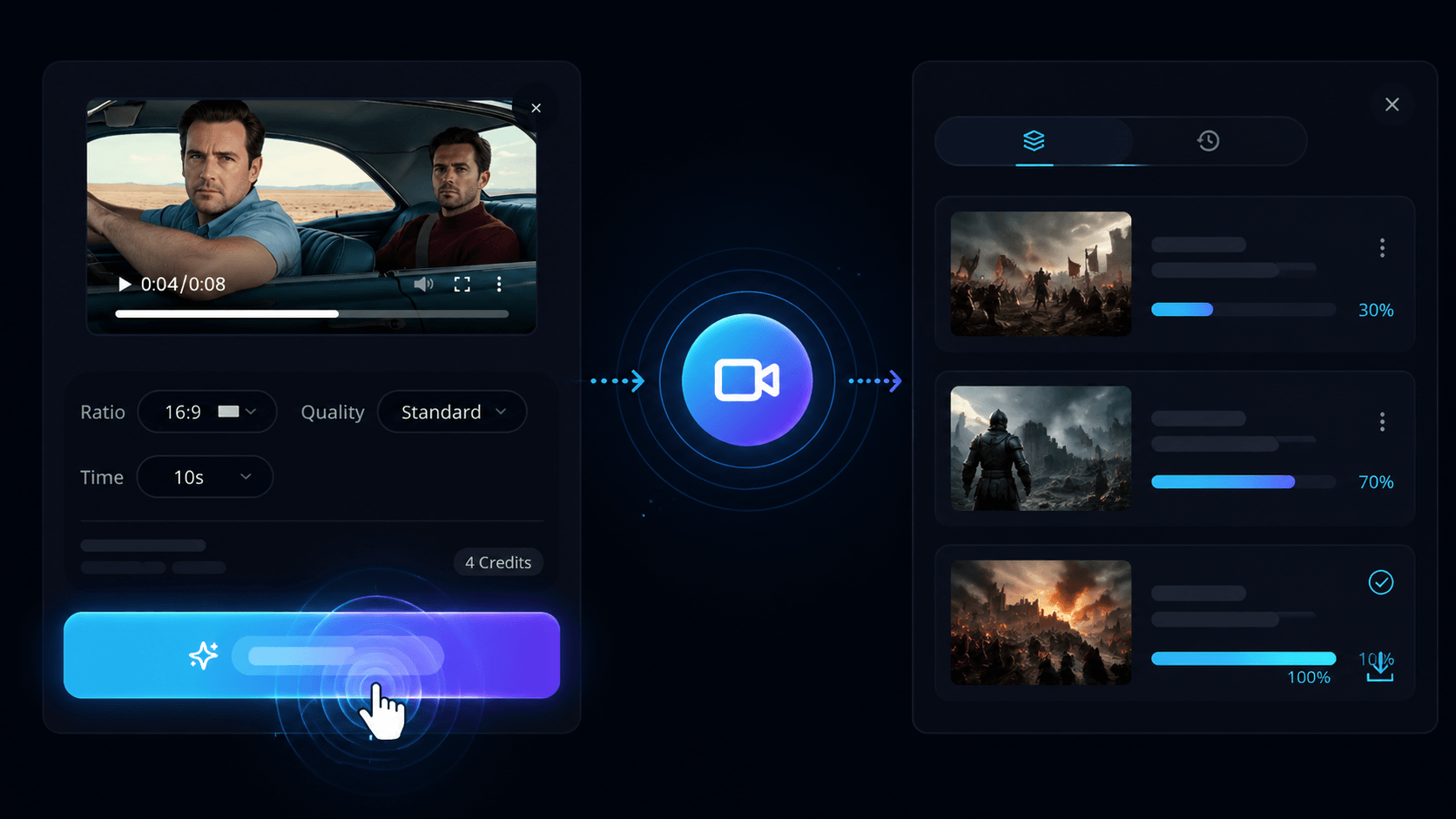
Match the aspect ratio of your source image, verify your API cost estimate (~$0.64 for 8s), and export your formatted prompt or API JSON.
Animating an existing still image works differently from pure text generation. When you feed an opening keyframe (@img1)—and optionally a closing end keyframe (@img2)—into MAGI-2 Image-to-Video, the model already knows the subject's appearance, brand label, lighting palette, and composition. Re-describing every static pixel can actually fight the source image and cause unnecessary texture drift.
@img1 and your final end-card framing as @img2 in the Omni-Reference drawer so MAGI-2 interpolates a clean orbital reveal between both frames.Need to invent a scene completely from scratch? Head over to our MAGI-2 Text-to-Video Studio. Want to combine your keyframe with voice audio tracks and reference motion videos (up to 20 assets total)? Open the MAGI-2 Omni-Reference Planner, or calculate multi-SKU e-commerce render budgets on our MAGI-2 API Pricing page.
Jump straight into dedicated MAGI-2 prompt studios and transparent API pricing benchmarks.
Key answers on Start/End frame locking, avoiding visual drift, native product foley, and local privacy.
Yes. MAGI-2 supports both single start-frame animation and Start/End Frame Image-to-Video conditioning, allowing you to lock both the opening composition (@img1) and final end-card framing (@img2).
Avoid re-describing static details already visible in your still image. Instead, specify camera movement (slow push-in, 30-degree studio orbit), secondary physics (rising mist, swaying fabric, shifting rim light), and matching foley audio.
Every MAGI-2 Image-to-Video pass renders at 1080p resolution and 25 frames per second across six official aspect ratios (16:9, 21:9, 4:3, 1:1, 3:4, and 9:16), from 4 seconds up to 30 seconds.
Yes. Even when animating a still photo or product render, MAGI-2 can generate synchronized foley, studio chimes, room ambience, or lip-synced dialogue natively in the same pass.
No. This browser workbench builds and exports your Image-to-Video prompt and JSON payload locally inside JavaScript; no images or notes are ever uploaded to our servers.
An 8-second 1080p Image-to-Video product clip averages roughly $0.64 on direct MAGI-2 APIs (~$0.08/s), ~141 credits on Kie.ai, or ~20 credits on Higgsfield web tiers.
Build 4–30s multi-shot timelines, synchronize native audio cues, plan up to 20 omni-references, and estimate 1080p API costs free in your browser.
Community Notes & Prompt Tips
Share a MAGI-2 timeline setup, native audio cue pattern, or question for other creators.
No notes yet. Post the first MAGI-2 prompt setup or workflow tip above.